Give your practice session one job
A useful bot session starts with a specific goal. Learn the route between two landmarks, understand how a mode scores, or become comfortable with a weapon you already have. Trying to improve everything at once makes it difficult to see what changed.
Keep the map and mode fixed for a short session. If you change them after every match, you spend more time getting oriented. When the route feels familiar, change one thing: the mode, your setup, or the map.
What you can configure
- Open the game's custom-match setup. The store confirms this feature, but does not give an exact menu label or button-by-button sequence.
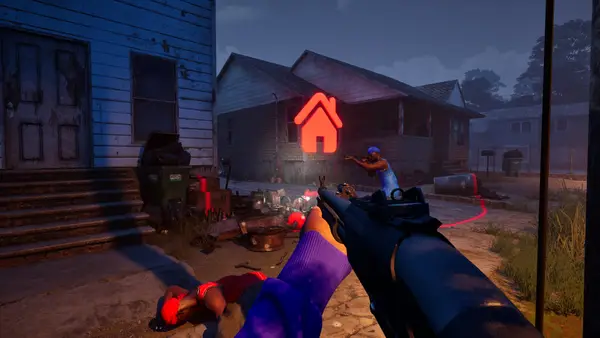
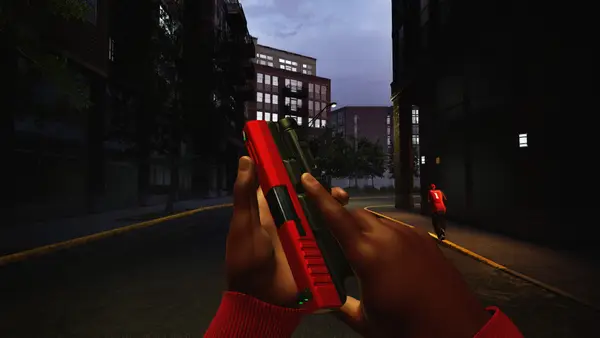
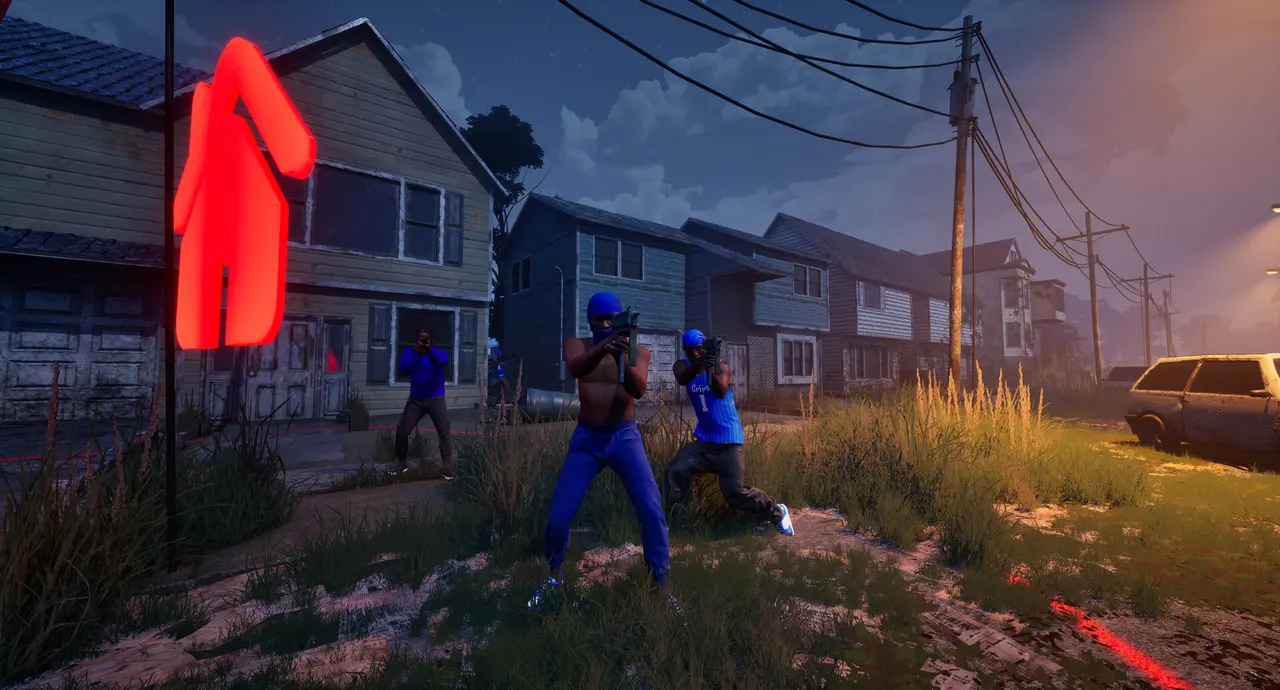
- Select the map. The published environments are downtown, the suburbs, The Trenches and Chicago Mall.
- Select the mode. Use the six-mode reference to decide what you want to practise.
- Review the available match settings. Read what the current game actually offers; do not assume difficulty, team size or timers match another shooter.
- Add bots to fill the teams and start. Once in the match, check that the setup matches the exercise you intended.
The exact labels may vary by version; use these choices as your setup checklist.
Try this short learning exercise
Goal: understand one objective. Pick a mode you have not understood yet. Read its scoring action before starting. During the session, focus on locating that objective and recognising when you have contributed to it.
For a map-learning session, choose two places that you can recognise from the game. Walk the connection, then find another way back. Look at what you can see on entry and where you can move if you need to leave. No named “best route” is required to make this exercise useful.
For setup comparison, keep the map and mode unchanged while trying one equipment change. Write down the practical difference you noticed. A subjective preference can help your own setup without becoming a universal weapon ranking.
Practise with friends in a password-only lobby
The developer's patch 1.0.1.4 announcement adds private password-only lobbies for playing with friends. The notes say that version 1.0.1.4 is displayed in the bottom-right corner of the menu and that fully exiting Steam may be needed to receive the update. Follow your installed version if a later update changes the interface.
How do private lobbies differ from bot practice? A private lobby controls who can join; bots provide computer-controlled opponents. Choose a bot match for the solo map or objective exercise above, or use the announced private-lobby option when practising with friends. Neither feature alone proves that every unlock condition counts in that session.
For a shared drill, agree on the map, mode and one objective before starting. Check available match settings rather than copying a difficulty, timer or bot count from another shooter. Read the item's progression requirement separately if your goal is an unlock.
Practice is not a promise of unlock credit
Bot support does not, by itself, prove that every reputation gain, weapon challenge or skin requirement advances against bots. Before committing to a grind, note a particular requirement and its counter, play a short session, then check that same counter.
If nothing changes, stop and verify the applicable conditions. Do not repeat a long session on the assumption that progress will eventually appear. Our unlock reference explains which of the three tracks to inspect.
Bot play also does not establish that the game works fully offline. Steam lists a broadband connection in the PC requirements. Treat offline operation and bot opponents as separate questions.
Sources & corrections
Game features and requirements: Trapstar Games’ official Steam listing, checked 14 October 2026. Workflow and practice suggestions are editorial guidance, not claims of first-hand testing.
Updates can change the game. For an error, send the page URL and a current source through our corrections contact. Read our editorial policy for how we handle conflicting information.