
INDEPENDENT WIKI / STEAM PC
HOOD
WARFARE 2KNOW YOUR NEXT MOVE.
Six modes. Three unlock tracks.
Get the right answer before you hit the streets.
FACTS CHECKED · 14 OCT 2026
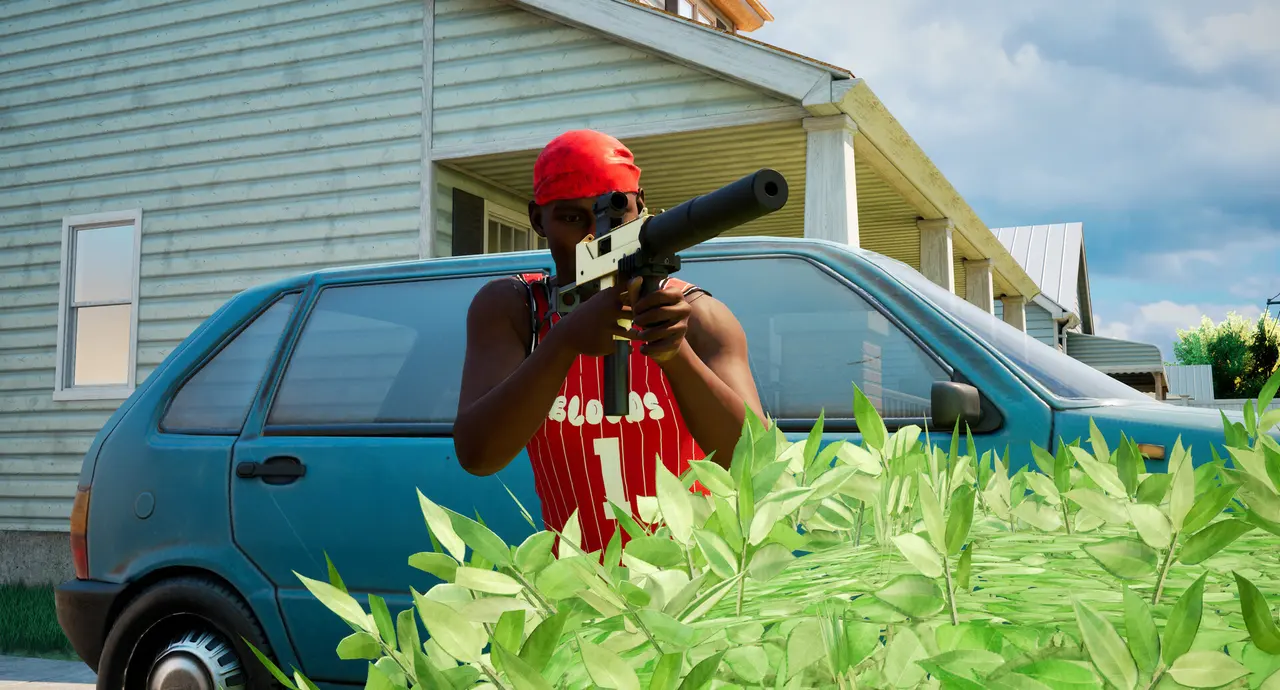 YOUR NEXT
MATCH STARTS HERE.
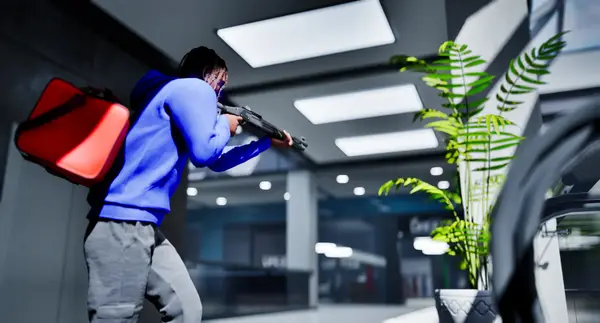 GRAB THE BAG.
LEARN THE OBJECTIVE ↗Official game imagery · Trapstar Games / Steam
CHOOSE YOUR NEXT TASK
PICK YOUR
NEXT MOVE.
Each guide answers a different question. Published game rules are sourced; practice suggestions are clearly separated from tested claims.
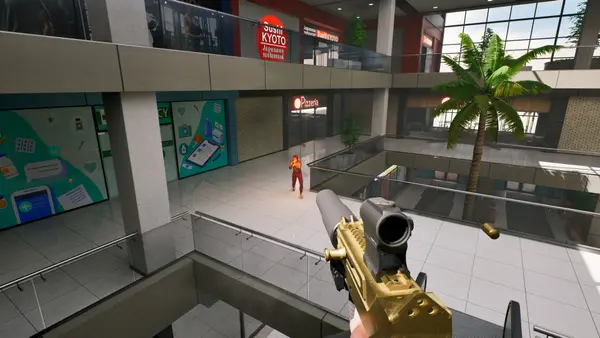 01
01Download: Install the PC Game on Steam
Get Hood Warfare 2 from its official Steam listing, then install it through the Steam desktop client. It is a paid Windows PC game. The store page checked on 14 October 2026 did not offer a free demo or a browser version.
Read the guide ↗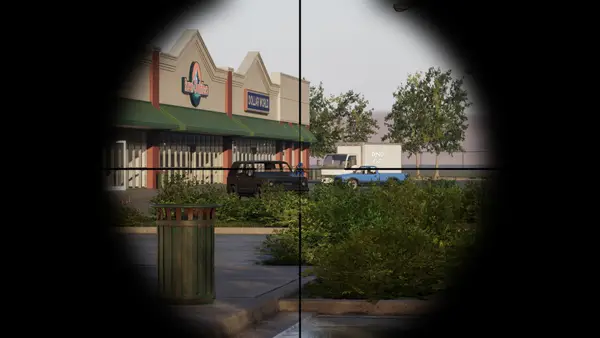 02
02Installation Problems: Steam Checklist
Start with the exact message shown in Steam's Downloads view. A game that has not finished installing needs a different check from a completed installation that fails to launch. The steps below use Valve's general support guidance; they are not claims that Hood Warfare 2 has a confirmed installation defect.
Read the guide ↗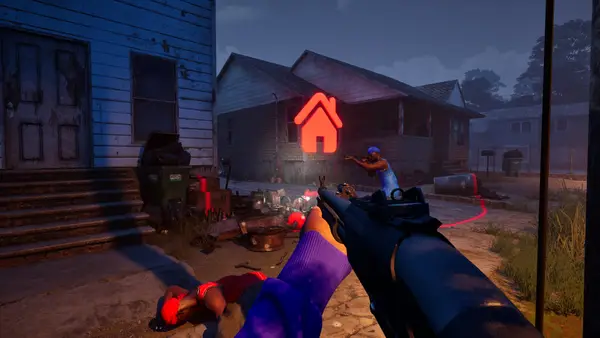 03
03Beginner Guide: Plan Your First Match
Start with a bot match on one map, learn what scores in your chosen mode, then take the same basic setup online. Keep weapon, attachment and skin progress separate.
Read the guide ↗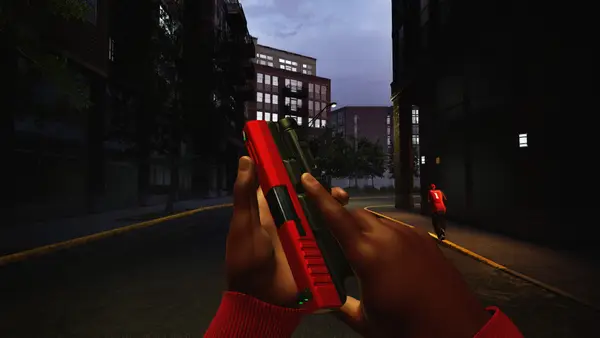 04
04Game Modes: All Six Objectives Explained
Hood Warfare 2 has six modes. GangBang and Chaos reward kills; Turf War, Hit A Lick, Destroy The Block and Chain Snatch each require a different objective.
Read the guide ↗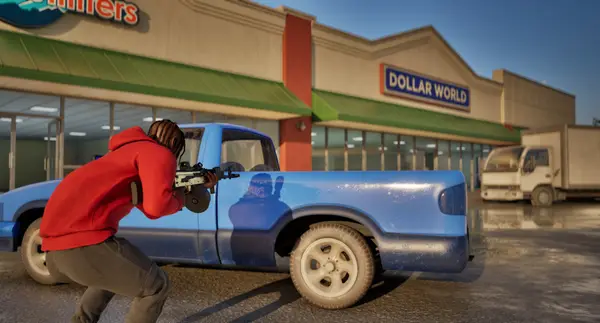 05
05Weapon Unlocks: Levels, Attachments, Skins
Reputation levels unlock weapons and equipment. Weapon challenges unlock attachments. Kills with each gun unlock its skins. Check which track owns the item before you start.
Read the guide ↗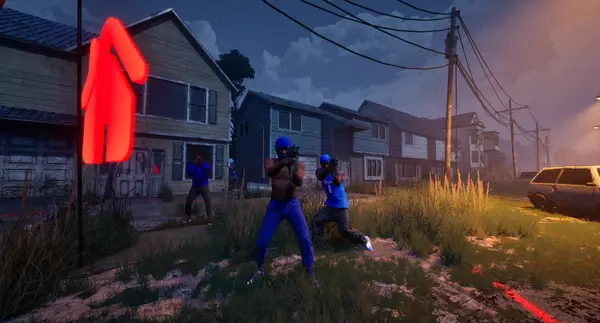 06
06Bots: Custom Matches and Practice Guide
Yes, Hood Warfare 2 supports matches against bots. The official listing says you can choose a map, mode and match settings, then add bots to fill out the teams.
Read the guide ↗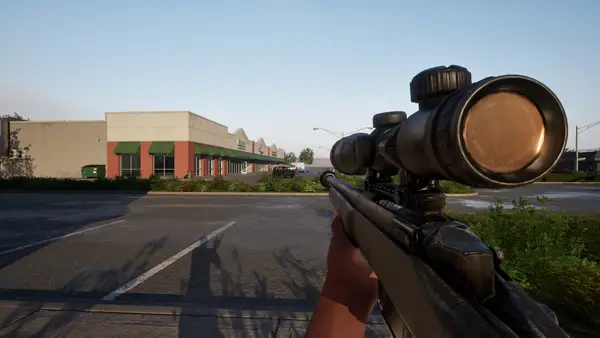 07
07System Requirements: Check Your PC Specs
The published minimum calls for Windows 10 64-bit, 8 GB RAM, a GTX 1660 or RX 5600 XT, DirectX 12 and 25 GB free space. Recommended storage is 30 GB.
Read the guide ↗THE OBJECTIVE CHANGES THE MATCH
Six modes. Know what scores.
SEE THE STREETS IN ACTION
WATCH A ROUND.
KNOW THE PACE.
A quick look at the game from Sxxpr. Then open the first-match guide to choose what you want to practise.
Build your first-session plan ↗A four-minute player overview · Sxxpr · 12 October 2026. Independent player footage; not produced by this site. Watch on YouTube. Loading the player connects to YouTube.
THE SOURCES BEHIND THE GUIDES
A reference you can check.
We organise the developer’s published rules and link to public player footage. We do not claim first-hand testing, fabricate weapon statistics or promise that bot matches count toward every unlock.