
THE FIELD GUIDE / ALL GUIDES
What do you need
for your next match?
Search by task or pick a guide below.
7 guides
 01
01Download: Install the PC Game on Steam
Get Hood Warfare 2 from its official Steam listing, then install it through the Steam desktop client. It is a paid Windows PC game. The store page checked on 14 October 2026 did not offer a free demo or a browser version.
Read the guide ↗ 02
02Installation Problems: Steam Checklist
Start with the exact message shown in Steam's Downloads view. A game that has not finished installing needs a different check from a completed installation that fails to launch. The steps below use Valve's general support guidance; they are not claims that Hood Warfare 2 has a confirmed installation defect.
Read the guide ↗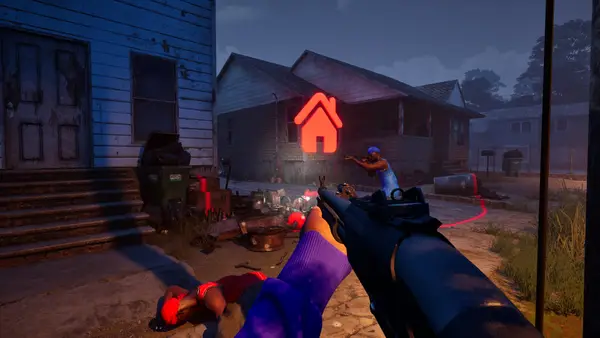 03
03Beginner Guide: Plan Your First Match
Prepare your controls, choose one map and mode, and practise its objective with bots. Take the same setup online, then check the right progress track for weapons, attachments or skins.
Read the guide ↗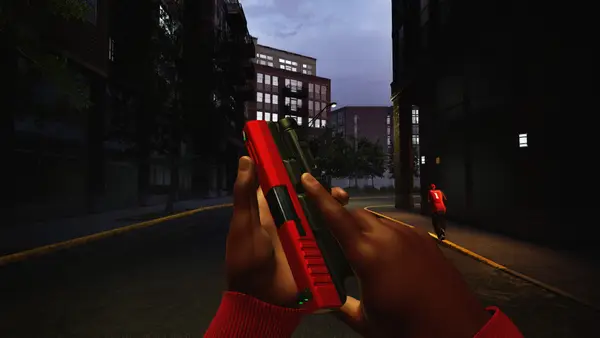 04
04Game Modes: All Six Objectives Explained
Hood Warfare 2 has six modes. GangBang and Chaos reward kills; Turf War, Hit A Lick, Destroy The Block and Chain Snatch each require a different objective.
Read the guide ↗ 05
05Weapon Unlocks: Levels, Attachments, Skins
Reputation levels unlock weapons and equipment. Weapon challenges unlock attachments. Kills with each gun unlock its skins. Check which track owns the item before you start.
Read the guide ↗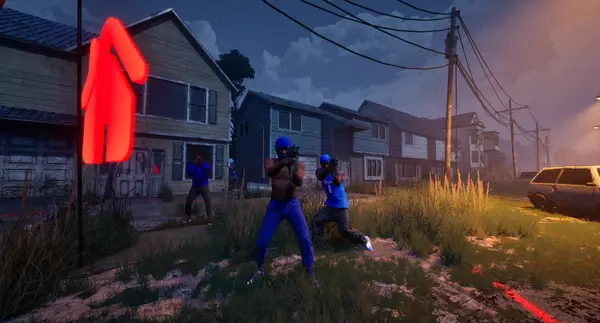 06
06Bots: Custom Matches and Practice Guide
Yes, Hood Warfare 2 supports matches against bots. The official listing says you can choose a map, mode and match settings, then add bots to fill out the teams.
Read the guide ↗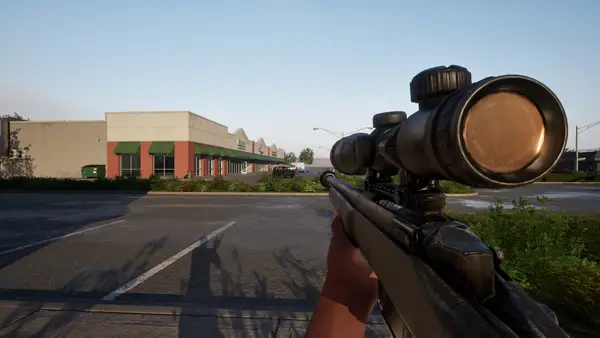 07
07System Requirements: Check Your PC Specs
The published minimum calls for Windows 10 64-bit, 8 GB RAM, a GTX 1660 or RX 5600 XT, DirectX 12 and 25 GB free space. Recommended storage is 30 GB.
Read the guide ↗No guide matches that search. Try “download”, “install”, “bots”, “modes” or “PC”.